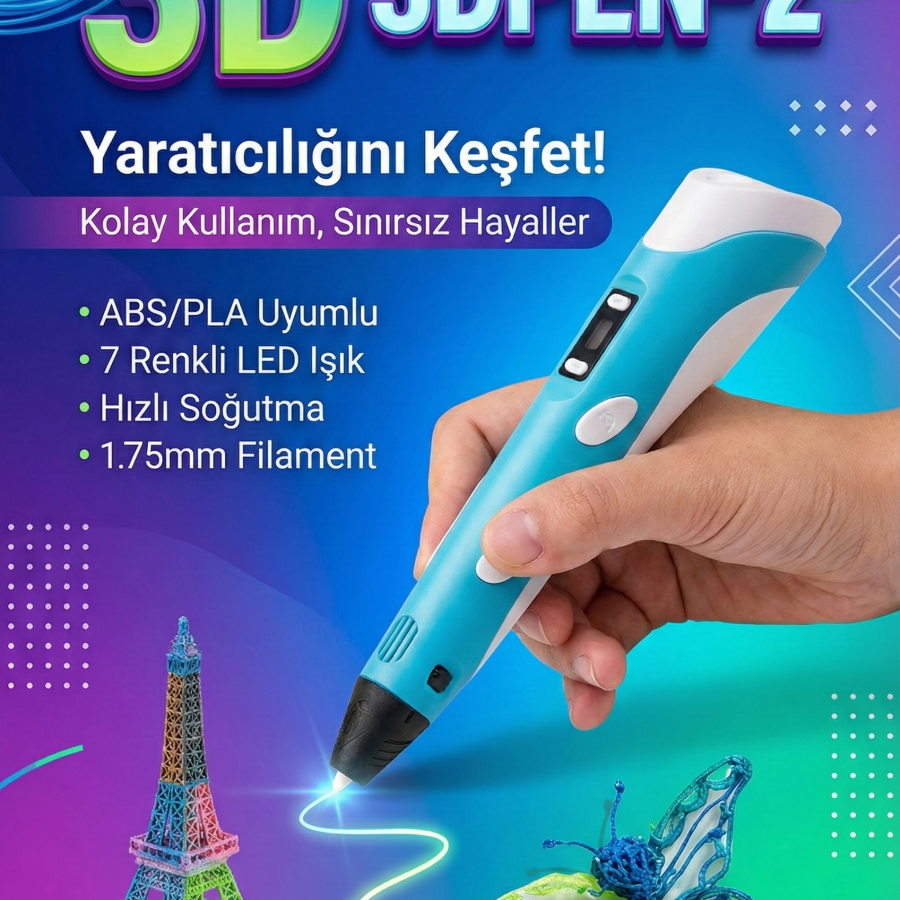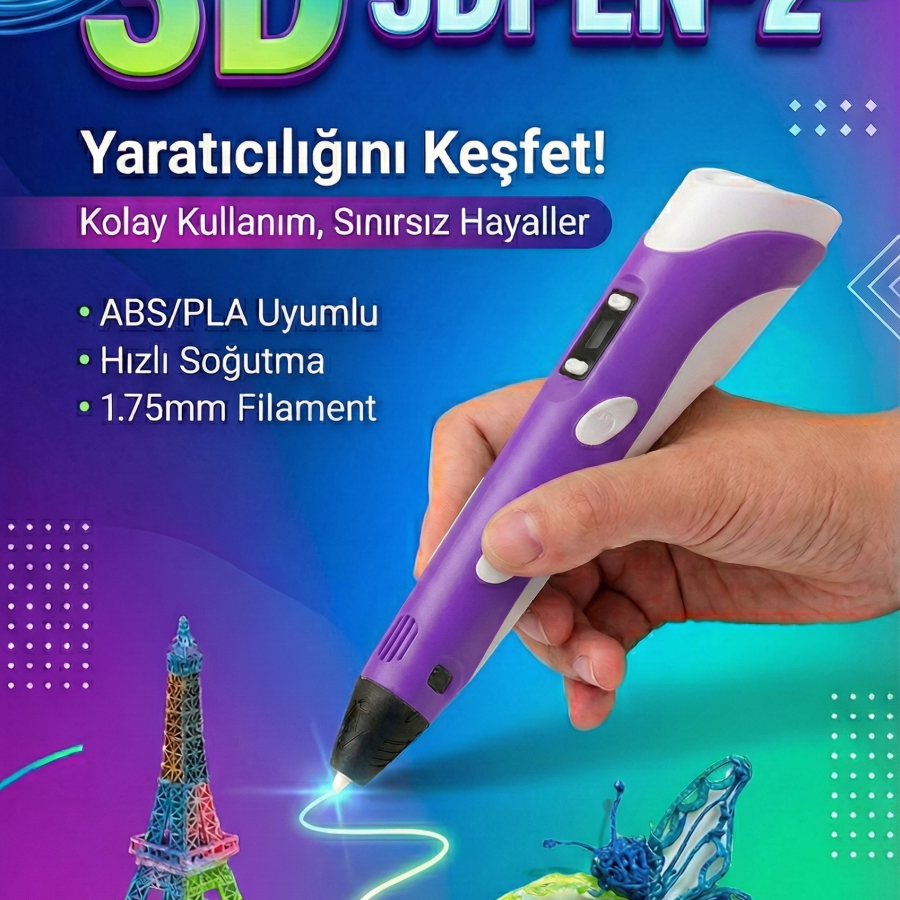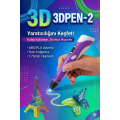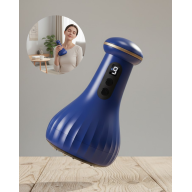























Üç Boyutlu Yazıcı 3D Kalem Pen Printer


Comments
Three-Dimensional Printer 3D Pen Pen Printer
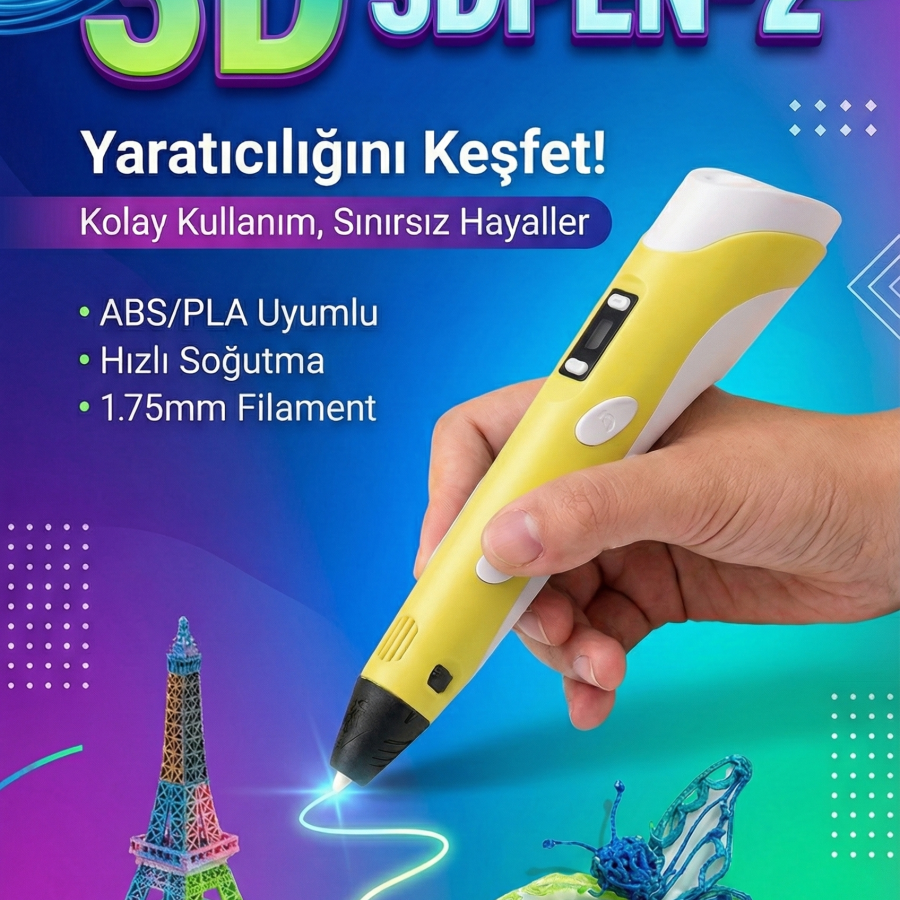
3D Printer Pen is a great tool for three-dimensional modelling. After heating the filament in the pen; Just move the pen around the model geometry to create the model. After the filament cools quickly, a solid prototype of your model will emerge. Thus, you can create models of anything you dream of, just like 3D printers.
The 3D pen plastics - filaments you will use in 3D Printer pens are in the "safe material" class and do not pose any health risks. Their use is safe for children.
Features:
Product: 3D Printer Pen
Printing Technique: FDM - Fuse deposition modeling
Usable Material: 1,75mm ABS,PLA,HIPS
Tip Nozzle Diameter: 0.6 mm
Power: AC 100/250V 3A adapter / DC 5V 2A 24W
Weight: 0.065 KG
Certificate:CE ROHS FCC
Package Content:
1 Piece - 3D Drawing Pen
1 Piece - Adapter EU Outlet
1 Piece - Filament Examples
1 Piece – 3D Drawing Pen Stand
Do not forget to check your 3D printer pen immediately, make the correct settings and in case of problems, do not intervene for repairs, do not make changes or modifications. For the first operation of the device, the direction button must be pressed for 5-10 seconds. If children will use it; Make sure they use it correctly.
What you can do with a 3D printer pen is unlimited. It is very important that you read the 3D pen user manual carefully and in detail and follow its instructions exactly. Especially security; Once you understand the topics such as on/off, temperature setting, loading and removing filament, grip angle, speed setting and many more, you can enter this unlimited world and use your device for a long time. Getting the settings wrong can cause poor performance and results, preventing your pen from working properly. Keep your device dry, protect it against pressure, magnetic field, very cold or hot environment, dust and foreign objects, physical impacts and falling.
Make sure to remove the filament inside the pen after each use. You can clean the plastic remaining on the tip of the pen with a brush or finger protector while the pen is still hot. Before inserting filament into the pen, make sure both ends are straight. Do not push or pull when inserting or removing filament from the pen.
Adjusting pen speed and hand speed: If you move your hand too slowly, filament (plastic material) will start to accumulate and may form clumps in these lines.
Using Molds: Using molds, especially in designs such as circles, cylinders and bodies, will make drawing easier.
Drawing in the air: Make sure the foundation is solid and fixed to the work surface. Adjust the pen speed with the speed of your hand. When you draw in the air, make sure that the plastic has cooled completely before removing the pen from the plastic. You can use a fan to ensure rapid cooling.
Pen color options: Pink, Lilac, Blue, Yellow
- Stock: 4925
- Brand: TOPTANBULURUM
- Model: TB238090
- Weight: 1.00kg
- SKU: tbx69efdb4993e06
How do returns work?
- Go to My Account > Orders and create a return request.
- You will receive seller confirmation and return instructions.
- The product should be in original packaging, complete and undamaged.
- Refund or exchange is processed after inspection.